How to appear in Google AI Overviews and AI Mode (for small businesses)
AI Overviews and AI Mode answer questions right inside Google Search and link to the websites they draw on. This guide sticks to what Google itself says: what it takes to be eligible, what a small business can actually do, what is not needed, and how to see the traffic.
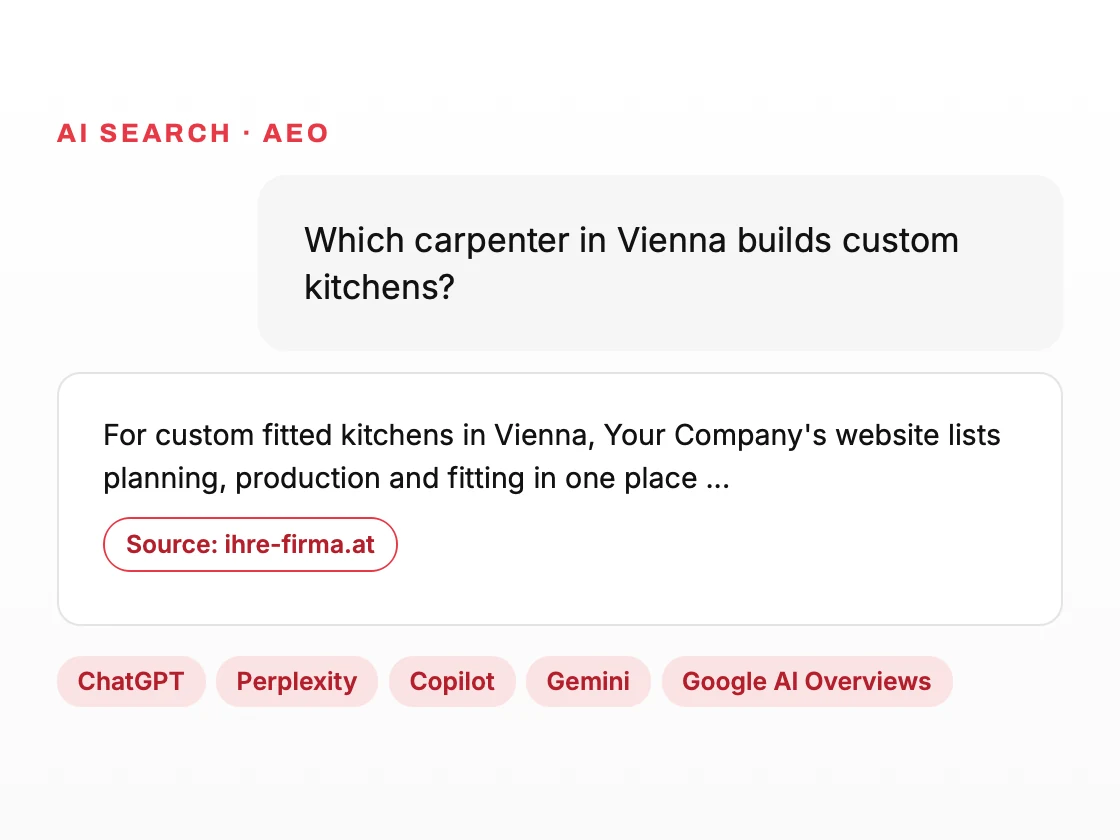
The short answer
To appear in Google AI Overviews or AI Mode, a page has to be indexed and eligible to show in Google Search with a snippet. That's it. Google says there are no additional requirements and no special optimization; the usual SEO basics apply, including an up-to-date Business Profile.
- Eligibility: indexed, and allowed to show a snippet.
- Not needed: llms.txt or other AI text files, special markup or schema.
- For local businesses: keep your Business Profile current.
- Tracking: AI feature traffic is counted under "Web" in Search Console, and since August 31, 2026 there is a separate AI report too.
- Nobody can promise a spot, and Google says neither can it.
Get your site ready for Google and AI answers
What Google requires to show your page in AI Overviews
Google's own guide is short on this point. A page can be shown as a supporting link in AI Overviews or AI Mode when it meets the normal technical requirements for Search, is indexed, and can be shown with a snippet. There are no extra technical requirements.
- Crawlablerobots.txt, CDN and host let Googlebot in.
- IndexedThe page is in Google's index.
- Snippet allowedNo nosnippet blocking the preview.
- HelpfulWritten for people, not for machines.
Both features can use a "query fan-out": they split one question into several related searches. That's why they often link to a wider mix of sites than the classic results. A page that isn't on top for the main keyword can still be cited for one part of the question.
When do they show up at all? AI Overviews appear only when Google's systems decide they add something to classic Search, so they often don't trigger. AI Mode is meant for questions that need exploring, reasoning or comparing options, and for follow-up questions.
Source: Google Search Central, "AI features and your website" (last updated December 10, 2025), checked on November 23, 2026.
How to get listed in Google AI Overviews: a checklist for small businesses
Google lists the SEO fundamentals that keep mattering for AI features. Here they are as jobs for a company website:
Let Google crawl
Check robots.txt and your CDN or host settings. A block there also keeps you out of AI features.
Key facts as text
Services, service area, hours and prices belong in the page text, not only in an image or a PDF.
Internal links
Every important page can be reached through links on your site, not just through the sitemap.
Good page experience
Fast, readable on a phone, and the main content clearly separate from menus and ads.
Images and video
High-quality images and videos that support the text, such as your product or your team at work.
Business Profile
Google names it directly: keep your Business Profile and Merchant Center information up to date.
Then there's the content. Google writes that people in its AI experiences ask longer, more specific questions and follow-ups. A page that puts a real customer question in its heading and answers it in the first sentence fits that better than a page called "Services".
Sources: Google Search Central, "AI features and your website", and the Search Central Blog post "Top ways to ensure your content performs well in Google's AI experiences on Search" (May 21, 2025), checked on November 23, 2026.
What you don't need for Google AI Mode and AI Overviews
A lot of "AI Overview SEO" advice sells extra steps. Here's how it compares with Google's guide:
Add an llms.txt file for Google's AI
No new machine-readable files or AI text files needed
Install special AI schema
No special schema.org structured data needed
Buy a separate AI optimization
The SEO best practices remain relevant
Do everything right and you'll be shown
Even then, crawling, indexing and serving aren't assured
Curious what llms.txt is for, then? See llms.txt explained.
Source: Google Search Central, "AI features and your website" (last updated December 10, 2025), checked on November 23, 2026.
How to track traffic from AI Overviews and AI Mode
Google counts AI features as part of your normal search traffic in the Search Console Performance report. Since August 31, 2026, Search Console also has a Generative AI performance report that shows how often links to your site appeared in AI Overviews and AI Mode, by page, country, device and date. A few rules worth knowing:
On the impact on traffic, Google says clicks from results pages with AI Overviews are "higher quality", meaning visitors are more likely to spend more time on the site. Its advice: look beyond clicks at conversions such as sales, sign-ups, a more engaged audience or information lookups about your business.
Sources: Google Search Central, "AI features and your website"; Search Console Help, "What are impressions, position, and clicks?", AI Mode and AI Overviews sections, and "Generative AI performance report (Search)"; checked on November 23, 2026.
Opting out: how to limit what Google shows
Some businesses want the opposite. Since August 31, 2026, Search Console has a Search generative AI control under Settings that keeps your site's links and content out of AI Overviews and AI Mode. For single pages or passages, Google uses the same preview controls as for regular results:
| Control | What it does, per Google |
|---|---|
| nosnippet | No text snippet from the page |
| data-nosnippet | Keeps marked parts of a page out |
| max-snippet | Caps the snippet length |
| noindex | Keeps the page out of Search |
| Google-Extended | Covers Gemini training and other systems, not Google Search |
Google notes that more restrictive settings also limit how your content appears in its AI experiences. If you want to be cited, don't set nosnippet.
Sources: Google Search Central, "AI features and your website" and "Google's common crawlers" (Google-Extended); Search Console Help, "Search generative AI control"; checked on November 23, 2026.
What this means for a small business
For a local business, AI Overviews aren't a separate project. They're one more reason to fix the website basics: if your pages aren't indexed or your services only appear inside images, you're unlikely to be cited by an AI answer either.
To check whether ChatGPT mentions your business, see How to get recommended by ChatGPT.
Frequently asked questions
How do I appear in Google AI Overviews?
Google says there are no extra requirements. Your page has to be indexed and allowed to show a snippet in Google Search. After that, the normal SEO basics apply: allow crawling, put key content in text, link pages internally, offer a good page experience, keep structured data matching the visible text and keep your Business Profile current.
What is Google AI Mode?
AI Mode is a mode of Google Search for questions that need exploring, comparing or follow-up questions. It gives an AI-generated answer with links to the websites that support it.
Do I need llms.txt to show up in AI Overviews?
No. Google writes that you don't need to create new machine-readable files, AI text files or markup to appear in AI Overviews or AI Mode. More in llms.txt explained.
How can I see if my site appears in AI Overviews?
Since August 31, 2026, Search Console has a Generative AI performance report with your impressions in AI Overviews and AI Mode. In the regular Performance report, AI feature traffic is part of the "Web" search type. An AI Overview counts as one position, and all links inside it share that position.
Do AI Overviews reduce website traffic?
Google's guide gives no traffic figures. It says clicks from results pages with AI Overviews are higher quality, with visitors more likely to stay longer, and recommends judging Search by conversions as well as clicks.
Can I opt my site out of AI Overviews?
Yes. Since August 31, 2026, Search Console has a Search generative AI control under Settings that excludes your site's links and content from AI Overviews and AI Mode; Google says the control isn't used as a ranking or inclusion signal for other parts of Search. Google also points to nosnippet, data-nosnippet, max-snippet and noindex, but these limit how your page appears in regular results too. Blocking Google-Extended does not affect Google Search.
Get your site ready for Google and AI answers
In a free first call, you'll see what holds your website back in Google Search and AI answers today, and what to fix first.
In 30 minutes you get:
- a look at your project
- an honest view of what I would do in your place
- then your written quote

Anastasia
I'll get back to you personally.