How to get more Google reviews for your business, honestly
The honest way to get more Google reviews for your business is to ask every customer, at the right moment, with the review link and QR code Google creates for your Business Profile. This guide shows how to generate both, where to put them, what Google's fake engagement policy bans, and what happens to profiles that break it.
The short answer
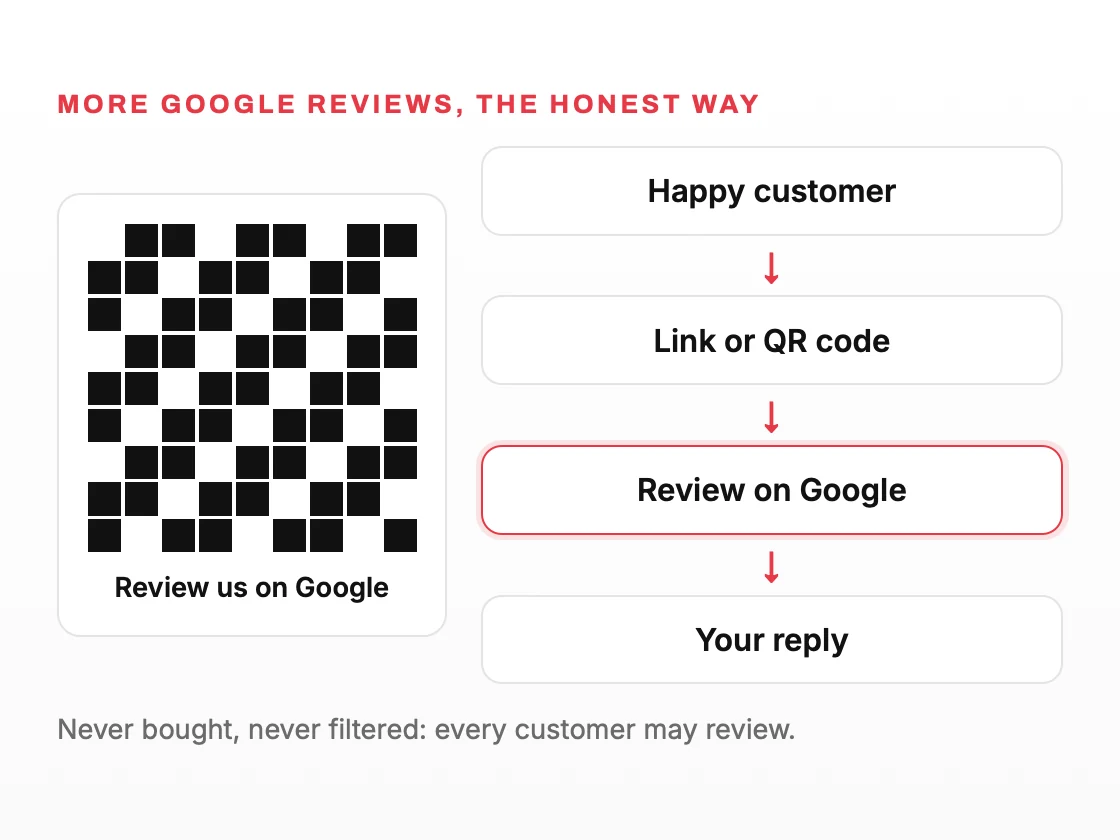
Generate your Google review link and QR code in your Business Profile, then ask every customer the same way: on the receipt, in the thank-you email, at the end of a chat or with a sign in your store. Don't offer anything in return and don't ask only the customers you expect to be happy; Google treats both as policy violations.
Sources: Google Business Profile Help, “Create a Google link or QR code to request reviews” and “Tips to get more reviews”; Maps User Generated Content Policy, “Prohibited & restricted content”; checked on November 23, 2026.
More genuine reviews, without the guesswork
How to create your Google review link and QR code
You don't need a third-party “Google review link generator”. Google builds the link and a QR code for you inside your profile:
- Open your profileOn a computer, signed in to the Google Account that manages it.
- ReviewsSelect “Read reviews”, then “Get more reviews”.
- Copy the linkSelect “Copy” to grab your review link.
- Save the QR codeRight-click the QR code and choose “Save image as”.
Google currently generates review QR codes only in a computer browser, not on mobile devices. Customers need to be signed in to a Google Account to post, and they can create one with a non-Gmail email address.
Button labels can change. Source: Google Business Profile Help, “Create a Google link or QR code to request reviews”, checked on November 23, 2026.
When and where to ask customers for a Google review
Google lists four places to put your link or QR code, and adds email, WhatsApp and Facebook posts as ways to send requests:
Receipts and invoices
A QR code with one line: “How did we do? We'd value your honest review.”
Thank-you emails
The link in the follow-up message once the job is done.
End of a chat
After a support or sales chat that solved the customer's question.
In your store
A printed QR code at the counter, the door or the waiting area.
Timing matters: ask once the customer has experienced the result, after the haircut, the delivery or the finished repair. And keep the pressure off. Google's policy says businesses shouldn't require or pressure customers to leave reviews while they're on the premises, so a QR sign by the till is fine, but standing over someone until they hit “post” is not.
Google's fake engagement policy: what counts as fake
Google's policy says that contributions to Google Maps should “reflect a genuine experience” at a place or business, and that fake engagement will be removed. In practice:
A discount, freebie or prize draw in exchange for a review
Asking for honest feedback with nothing in return
Buying reviews, from anyone
Sharing your review link and QR code
Asking only customers who seem happy (review gating)
Asking every customer the same way
Review quotas for staff, or asking for reviews that name a staff member
Reminding customers without suggesting stars or wording
Reviews from employees, family or business partners
Reviews from real customers
Posting negative reviews on a competitor's profile
Replying to your own reviews
Offering an incentive to change or remove a negative review is banned too. Google also flags unusual volumes or patterns of reviews that point to an attempt to manipulate a rating.
Source: Maps User Generated Content Policy, “Prohibited & restricted content”, sections “Fake engagement” and “Rating manipulation”, checked on November 23, 2026. This article explains Google's policy and is not legal advice.
What happens if a business breaks the review rules
Google removes violating reviews, and reviews removed for policy violations aren't restored. On top of that, Google may restrict the Business Profile. Examples it lists:
No new reviews
The profile can't receive new reviews or ratings for a set period of time.
Existing reviews unpublished
Current reviews and ratings are unpublished for a set period of time.
A public warning
The profile displays a warning telling customers that fake reviews were removed.
Google says it notifies owners by email before applying a restriction, and that businesses can appeal. The appeal steps are in Google Business Profile not showing up or suspended.
Sources: Google Business Profile Help, “Business Profile restrictions for policy violations” and “About missing or delayed reviews”, checked on November 23, 2026.
How to reply to Google reviews, per Google
Replies are public, so future customers read them as closely as the reviews. Google's own advice:
- Be professional, polite and brief; long replies lose readers before the main point.
- Don't send the same “thank you” to everyone; reply where you can add an update or answer a question.
- Stay conversational, not promotional: no deals or offers in replies.
- With negative reviews, be honest, apologize when appropriate, personalize the reply and respond promptly.
- Never share a reviewer's private information; take complex cases to phone or email.
- If a review breaks Google's policies, flag it instead of arguing.
Google also notes that a mix of positive and negative reviews often feels more trustworthy. If you'd rather hand review replies off, they are part of Google Business Profile management; everything else for a strong profile is in the optimization checklist.
Source: Google Business Profile Help, “Tips to get more reviews”, checked on November 23, 2026.
Frequently asked questions
How do I get more Google reviews for my business?
Create your review link and QR code in your Business Profile and ask every customer: on receipts, in thank-you emails, at the end of a chat or with a printed QR code in your store. Ask after they've experienced the result, and never offer anything in return.
How do I get a QR code for Google reviews?
Open your Business Profile on a computer, select “Read reviews”, then “Get more reviews”, right-click the QR code and save it as an image. Google currently doesn't generate the code on mobile devices.
Can I offer a discount for a Google review?
No. Google treats incentives such as payment, discounts or free goods in exchange for reviews as fake engagement, and that includes incentives to change or remove a negative review.
Is review gating allowed on Google?
No. Google's policy bans discouraging negative reviews and selectively asking happy customers for positive ones. Ask every customer the same way.
Do customers need a Gmail account to leave a review?
They need a Google Account, but it doesn't have to be Gmail; Google says they can set one up with a non-Gmail email address.
Why did a Google review disappear?
Reviews are checked against Google's policies first, which can take a few days. Reviews removed for policy violations, such as spam or fake engagement, aren't restored.
More genuine reviews, without the guesswork
Send the link to your Business Profile. In a free first call, you and Anastasia work out where your review link and QR code fit into your day.
In 30 minutes you get:
- a look at your project
- an honest view of what I would do in your place
- then your written quote

Anastasia
I'll get back to you personally.