Create or claim the profile
A new profile, or claiming the one Google already shows. Verification happens together with you, because Google requires third parties to work directly with the business owner on it.
Google Business Profile management means your listing on Google Maps and Search is verified, complete and kept current, following Google's own guidelines. Adoro sets up your profile or works on the existing one, works on photos, posts and reviews, and is upfront about what no one can promise.
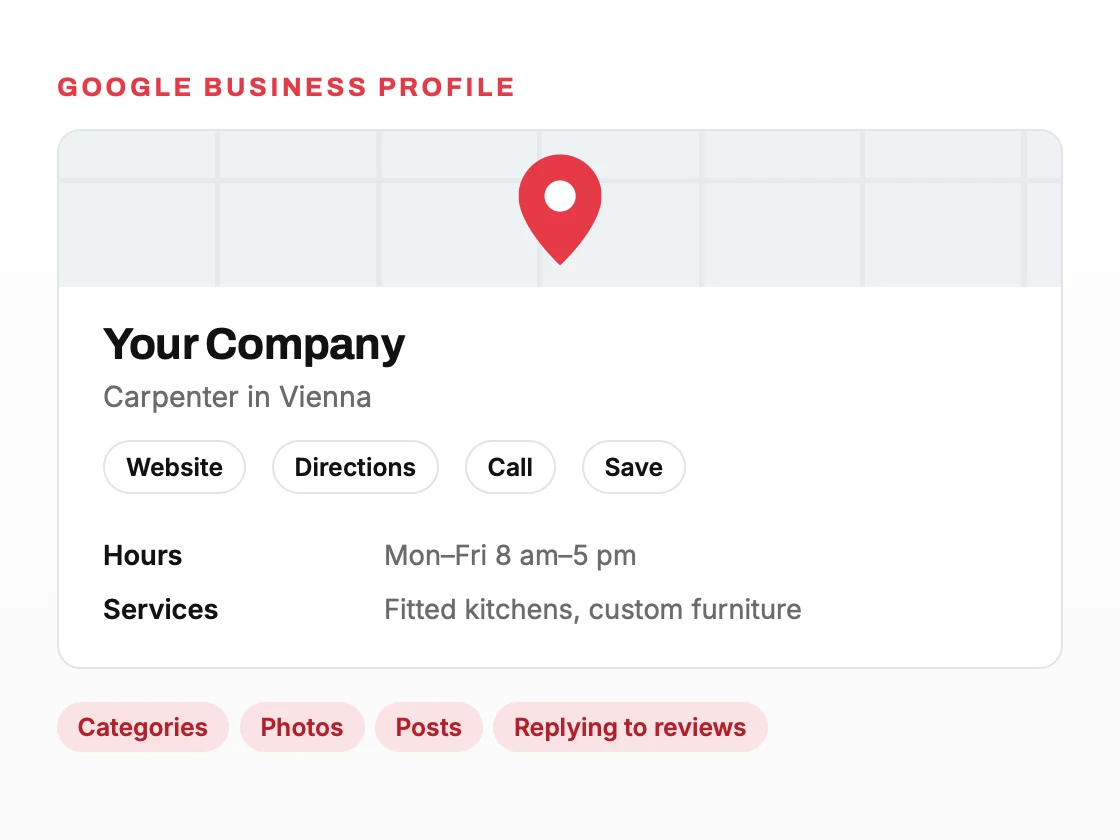
A Google Business Profile management service takes the listing work off your plate: creating or claiming the profile, verifying it with you, filling in every field the way Google asks, adding real photos and posts, asking customers for reviews and replying to them. The profile itself is free from Google.
The work follows the steps Google itself lists for a better local ranking: verify the business, keep the information complete and accurate, add photos and videos, and respond to reviews.
A new profile, or claiming the one Google already shows. Verification happens together with you, because Google requires third parties to work directly with the business owner on it.
Your real-world business name, a specific primary category, address or service area, regular and special hours, phone, website, services and a description of up to 750 characters.
Pictures of your place, your work and your team. If you like, Adoro edits short videos for the profile from your own footage.
Updates, offers and events published as posts, which customers see on your profile on Search and Maps.
Your review link and QR code for receipts, thank-you emails and the counter, plus draft replies to new reviews.
Website, directories and social profiles with the same name, phone number and link. Google also lists an up-to-date Business Profile among the basics for its AI features in Search.
The profile's performance report shows views, search terms, calls, direction requests and website clicks. If you like, you go through the numbers together each month.
Prefer to do it yourself? Work through the Google Business Profile optimization checklist.
Sources: Google Business Profile Help, “Tips to improve your local ranking on Google”, “Edit your Business Profile” and “Understand your Business Profile performance & insights”; Google Search Central, “AI features and your website”; checked on November 23, 2026.
The profile works best together with a website Google can read well: more under SEO agency in Vienna.
Google only allows a profile for a business that makes in-person contact with customers during its stated hours, either at its own location or where the customer is.
Clinics, salons, restaurants, shops and workshops where customers come to you. Your address shows, and Google expects permanent signage at the location.
Plumbers, cleaners or movers who travel to customers set a service area instead. If you run the business from home, Google asks you to clear the address, and the service area shouldn't extend farther than about 2 hours of driving.
Brands and other online-only businesses can't have a profile, according to Google. For them, Google Ads or AEO is the better route.
Sources: Google Business Profile Help, “Business eligibility and ownership guidelines” and “Guidelines for representing your business on Google”, checked on November 23, 2026.
How does your business look on Google Maps today?
Google picks the verification methods available to you, such as phone, text, email, postcard or video, and they can't be changed. Once you've completed the steps, Google says its review takes up to 5 business days, and on rare occasions longer. Any verification code stays with you: Google says not to share it with anyone, even those who manage your profile.
Source: Google Business Profile Help, “Verify your business on Google”, checked on November 23, 2026.
Plenty of “Google Maps hacks” break Google's guidelines, and Google says a profile that doesn't follow them can be suspended. Here is the line Adoro works to:
Buying reviews or trading them for a discount
Asking real customers, with a link or QR code
Asking only happy customers for reviews
Asking every customer the same way
Keywords or a tagline in the business name
Your name as it appears on your sign
A second profile for the same business
One profile per business and location
A virtual office or P.O. box as the address
Your real location or a service area
How to grow reviews without breaking any of this: how to get more Google reviews, honestly.
Sources: Google Business Profile Help, “Guidelines for representing your business on Google”; Maps User Generated Content Policy, “Prohibited & restricted content”; checked on November 23, 2026.
Sources: Google Business Profile Help, “Tips to improve your local ranking on Google” and “Tips for working with third parties to manage your Business Profile”, checked on November 23, 2026.
The profile itself is free from Google. The work depends on whether a profile already exists, how many locations, photos and videos are involved and whether you want ongoing upkeep. You get a quote after a free first call.
Yes. Google describes Business Profile as a tool that can be used at no charge, and notes that third parties often charge a fee to manage it for you.
No one can promise that. Google says there is no way to request or pay for a better local ranking, and that local results depend mainly on relevance, distance and prominence. A complete profile and genuine reviews improve your chances.
After you complete the verification steps, Google says its review takes up to 5 business days, rarely longer. If you verify by postcard, Google says most codes arrive within 14 days and expire after 30 days.
Not one that customers see. Service-area businesses set a service area, and Google asks those who don't serve customers at their address to clear it from the profile. A virtual office or a P.O. box is not an acceptable address.
Don't create a new profile for the same business; Google explicitly says not to. Check the profile against the guidelines, then appeal in Google's appeals tool, ideally with evidence such as your business registration. Step by step: Business Profile not showing up or suspended.
Send your business name or a link to your profile. In a free first call, you see what's missing from it and what to fix first.
In 30 minutes you get:

I'll get back to you personally.